Introduction
### Course Review: Simulation Analysis for Mechanical Engineers with Autodesk Fusion 360 **Overview** In the realm of mechanical engineering, the ability to simulate and validate designs before they transition from concept to physical prototype is invaluable. The Coursera course titled **"Simulation Analysis for Mechanical Engineers with Autodesk Fusion 360"** offers an in-depth exploration of simulation tools—integral in optimizing and enhancing engineering designs. With a curriculum designed to empower engineers to make informed design decisions, this course is highly relevant for both emerging engineers and seasoned professionals seeking to refine their skills. **Course Structure and Syllabus** The course is divided into four comprehensive weeks, each focusing on essential aspects of simulation that will elevate participants' understanding and application of Autodesk Fusion 360. 1. **Static Stress Simulation** - In the first week, learners dive into static stress simulations. This module covers the foundational concepts vital for setting up simulations effectively. Participants will gain insights into preparing and processing static simulations, starting with beginner concepts before transitioning to more complex topics like bolted connections. This gradual setup cultivates a robust understanding of static analysis. 2. **Using Shape Optimization to Drive a Design** - Week two emphasizes shape optimization, a critical aspect of design that influences both functionality and material usage. Engineers will learn to identify critical load paths, which aids in making informed decisions regarding material removal. This segment is particularly beneficial for engineers focused on weight reduction without compromising structural integrity. 3. **Nonlinear Response, Buckling, and Modal Frequencies** - The third week introduces advanced simulation types, including nonlinear response, structural buckling, and modal frequencies. This deeper exploration offers insights into complex structural and mechanical challenges. By applying these concepts to practical examples like gear reduction assemblies, learners gain experience in real-world applications, enabling them to assess designs holistically. 4. **Thermal and Thermal Stress** - Finally, the fourth week tackles thermal analysis. Understanding the thermal performance of designs is crucial, as temperature variations can lead to failures. Participants will not only learn about thermal stress but also gain exposure to event simulations, evaluating how designs respond under motion and impact conditions. This week underscores the importance of a multidisciplinary approach when tackling engineering challenges. **Recommendation** The **"Simulation Analysis for Mechanical Engineers with Autodesk Fusion 360"** course is highly recommended for anyone invested in mechanical engineering, design, or simulation. The knowledge gained from this course will empower engineers to leverage simulation tools effectively, thus accelerating the design process while reducing risks associated with costly design errors. **Who Should Enroll?** - **Aspiring Engineers**: New to the field and seeking foundational knowledge in simulations. - **Experienced Professionals**: Looking to enhance their skill set and familiarize themselves with Autodesk Fusion 360. - **Design Engineers**: Those involved in the product development lifecycle who need to validate their designs through simulations. **Conclusion** Completing this course will not only enhance your technical skillset but also provide you with invaluable insights into making informed engineering decisions. The practical approach, coupled with in-depth theoretical discussions, makes this an essential course for modern mechanical engineers aiming to thrive in today’s competitive landscape. Whether you're aiming to innovate in the industry or simply refine your existing skills, this course will undoubtedly serve your educational and professional growth well. Enroll today, and take your first step into the world of simulation-driven design!Syllabus
Static Stress SimulationIn Week 1, we’ll explore the setup, solve, and understanding surrounding static stress simulations. Starting with the basics and moving to more advanced tools such as bolted connections we’ll walk through how to prepare and process a static simulation.
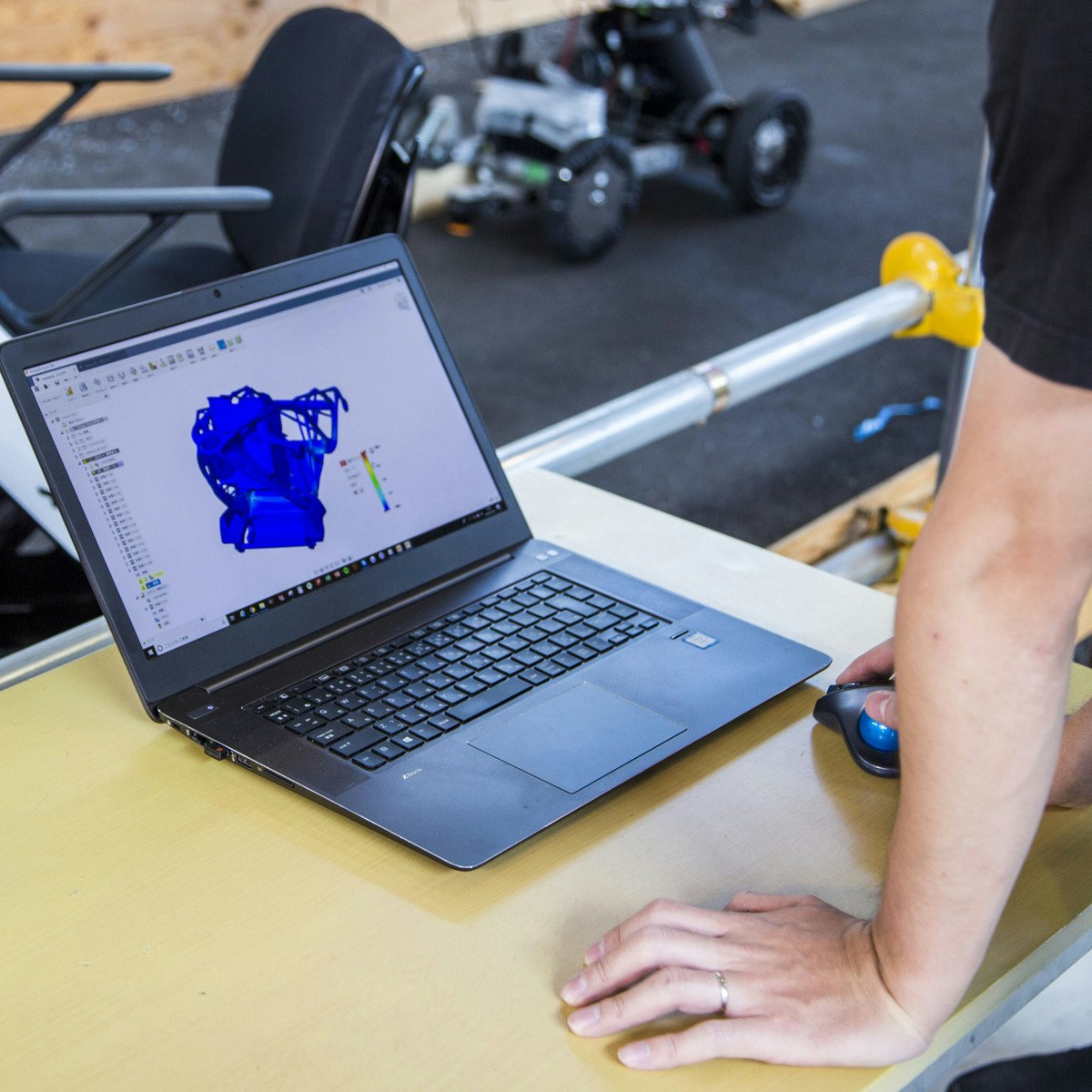
Using Shape Optimization to Drive a DesignIn Week 2, we’ll cover shape optimization simulation study type to explore load paths in designs. This simulation study will help engineers identify critical load paths in a design to make more informed decisions on material removal.
Nonlinear Response, Buckling and Modal FrequenciesIn Week 3, we’ll focus on some additional simulation study types in Fusion 360, namely nonlinear response, structural buckling and modal frequencies. These study types allow for greater insight into structural and mechanical problems associated with a wide variety of designs. We will focus on various aspects of our gear reduction assembly as well as explore other examples suited for these types of simulations.
Thermal and Thermal StressIn Week 4, we’ll explore and compare the effects of thermal and thermal stresses on designs. Temperature and heat can be a major factor in the failure of a design so exploring a design’s performance can lead to better informed design decisions. As a bonus, we’ll also look at event simulation and how a design performs when subject to motion and how it responds to an impact.